Learn to fly
Begin in the flight training area. Get comfortable with looking around, moving the fighter and firing primary weapons before the campaign's larger waves.
Launch into a jet combat campaign from your browser. Learn to steer your fighter, clear hostile drone waves, face powerful bosses and recover crystals between missions. Whether you are learning to fly or refining your evasive maneuvers, start with the flight training and build your approach.
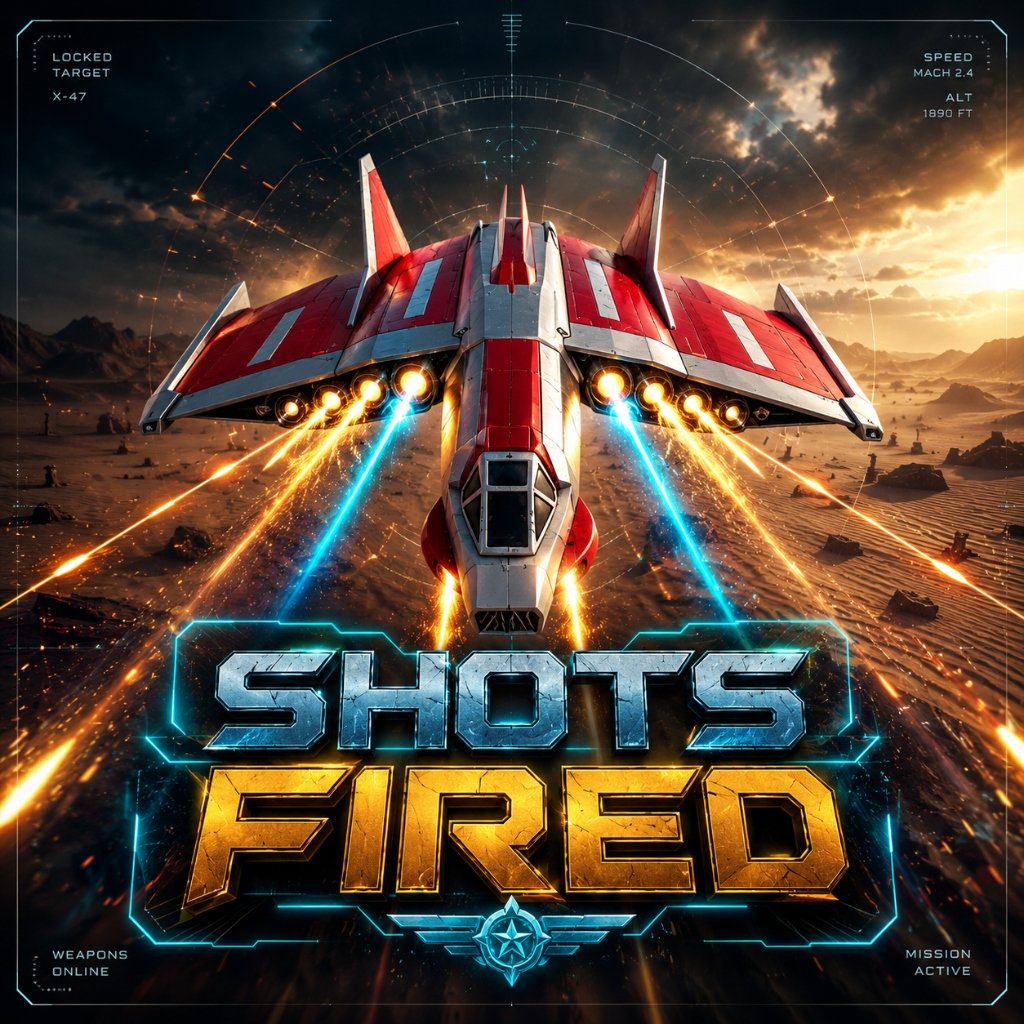
The game combines movement, target tracking and resource decisions. Learn the loop before heading into the first mission.
Begin in the flight training area. Get comfortable with looking around, moving the fighter and firing primary weapons before the campaign's larger waves.
Track enemy positions, avoid incoming attacks and watch the score and hull display. Some missions conclude with a boss encounter that demands a change of pace.
Collect crystals, inspect your loadout and make choices between missions. Staying alive matters as much as dealing damage when difficulty rises.
The opening stages teach progressively more demanding combat patterns. Here's what to expect before you launch.
Get familiar with flight movement, primary cannon fire, plasma bursts and crystal recovery.
Clear initial scout drones over an amber desert. Use this area to settle into aiming and target prioritization.
Expect tougher opponents, including more heavily armored threats and fast-moving fighters.
Combat intensity increases with rapid-fire drones and shielded opponents. Work on positioning and survival.
Practical guides about the controls and the decisions you'll make while playing this version of SHOTS FIRED.
Learn the game loop, what the on-screen indicators mean, how to start the campaign and how to approach your first wave.
Read guide →Understand keyboard, mouse, boost, brake, roll and touch controls so you can keep moving without losing track of your target.
Read guide →Learn when to fire the primary cannon, how plasma fits into your offense and why equipment choices matter over multiple stages.
Read guide →Try practical habits for target selection, avoiding concentrated fire and managing health as later missions become more demanding.
Read guide →These resources are based on the campaign definitions inside this browser build—not generic shooter tips or copied game lists.
Compare the seven original missions, then inspect wave parameters, enemy pools and boss identifiers for generated levels 8–100.
Explore mission data →Learn when each enemy appears, its base hull, attack family and movement behavior—including the glint sniper and duelist blinker.
Open enemy intel →Try a separate cursor-tracking challenge that counts hits, misses and accuracy. It doesn't affect your actual game save.
Start free practice →Run a local graphics-capability check and work through fixes for black screens, lost focus and slow 3D loading.
Run compatibility check →Yes. You can launch the browser game without paying or creating an account. The browser build currently does not offer rewarded video ads.
No. Open the play page in a compatible browser. Because the game uses 3D WebGL rendering, a reasonably modern browser and graphics-capable device are recommended.
The game includes touch input handling, although performance and layout depend on your device. For a predictable starting experience, a laptop or desktop with keyboard and mouse is recommended.
Read our controls reference. The opening flight training is also designed to introduce essential combat interactions.
No. Crystals are an in-game resource. They are not cash and cannot be exchanged for money outside the game.